
1. Create your account
Go to Tiliter's Vision Agent Platform and create an account in seconds.
Platform · Slack
Use Tiliter Vision Agents to extract, validate, and analyse image data - directly in Slack. From receipts and packaging to damage and cleanliness, simply post an image and interact with Tiliter bot for Slack to get structured results. No engineering required.
Powered by Visual Verification Agent, Object Counter and Text Extractor
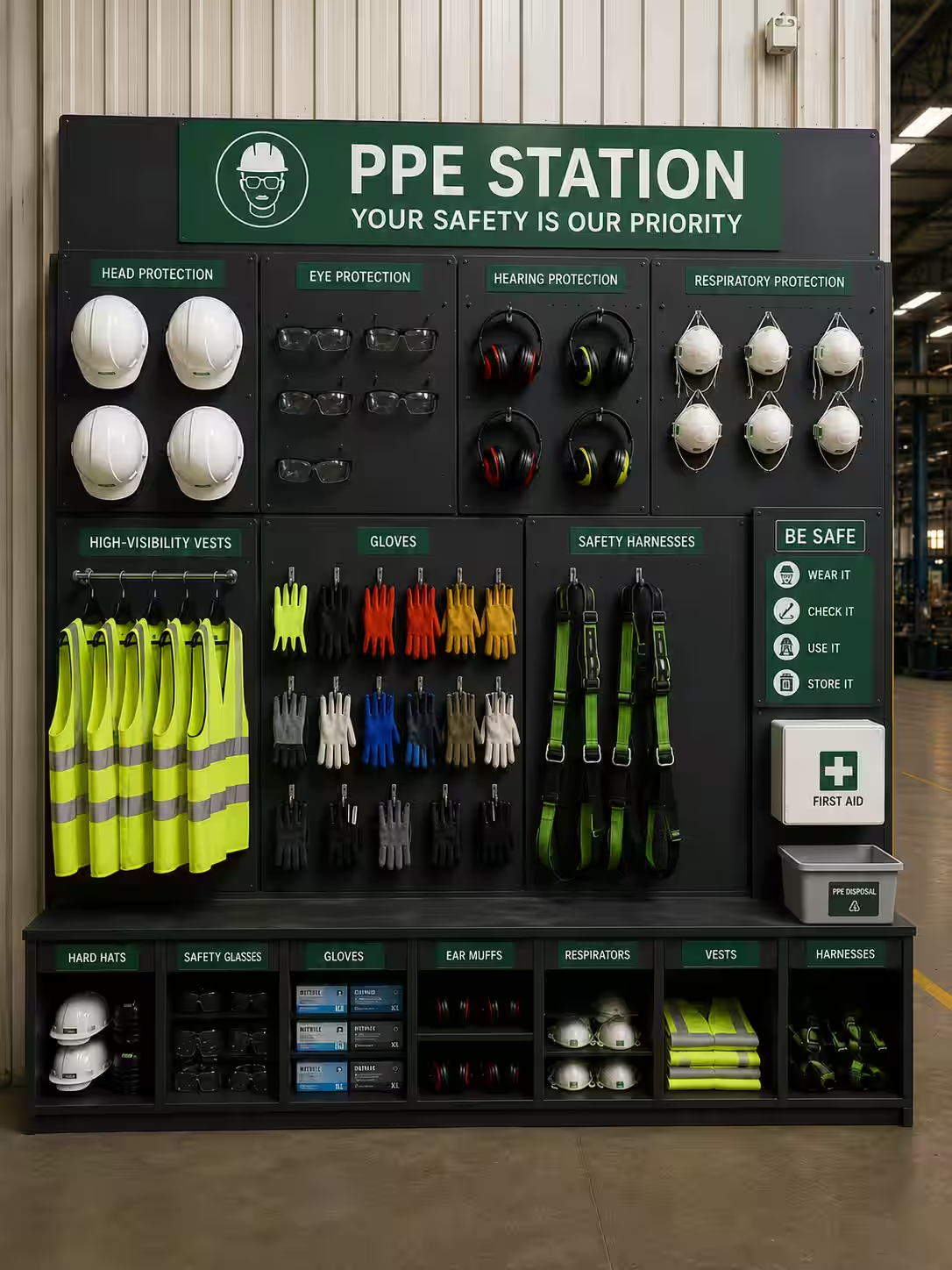 ppe-bay2.jpg
Six steps from an empty channel to results in Slack. The bot does the rest.
Go to Tiliter's Vision Agent Platform and create an account in seconds.
Generate an API key from your dashboard. You’ll use it to connect Slack to your account. Copy it!
Top up your account as needed. Pay-as-you-go, no subscription required. You can view detailed pricing anytime under Billing once you log in.
Type /invite @Tiliter Bot in any public or private channel.
Type /choose agent and select the appropriate vision agent for your problem
Use /set-apikey YOUR_API_KEY once. Now just upload an image in the channel - the bot will reply with structured results in the thread.
Pick the agent per channel with /choose agent — six are available in Slack today.
Check that labels contain expected text.
Detect and assess object damage.
Extract total, line items and dates from receipts or invoices.
Assess cleanliness of spaces and places.
Extract multilingual text from any image or document.
Validate presence of specific objects.
This app uses AI models to analyse images and generate responses. Results may occasionally be inaccurate or misleading — verify outputs before taking action.
Uploaded images are stored and processed by Tiliter using secure third-party infrastructure. Slack data is not shared with any third parties beyond what is required to run the analysis. See the privacy policy for detail.
Build visual verification workflows and deploy them through mobile, web, cameras or your existing systems. Deployed in thousands of locations worldwide and ready to scale with your operations.